Introduction
You have probably seen the headlines everywhere. Apple is not just releasing another incremental update. The debate around iOS 18 vs 26 is heating up fast, and for good reason. These two versions represent very different ideas about what your iPhone should feel and look like.
iOS 18 was already a major step forward, bringing home screen customization, Apple Intelligence features, and a redesigned Control Center. Now iOS 26, officially announced at WWDC 2025, is taking things even further with a completely new design language called Liquid Glass, deeper AI integration, and changes that affect almost every built-in app on your phone.
So what actually changes between the two? Which one feels like the bigger leap? And should you be excited or cautious? In this article, we break down iOS 18 vs 26 across design, features, AI, performance, and more. By the end, you will have a clear picture of what Apple has built and whether it lives up to the hype.
What Is iOS 18 and What Did It Bring?
iOS 18 launched in September 2024 and was considered one of Apple’s most user-centric updates in years. It gave you more control over your phone than ever before. You could finally rearrange your home screen icons freely, change app icon colors, and lock or hide individual apps.
The Control Center also got a major redesign. You could now customize it with more controls, resize panels, and even add third-party app shortcuts. The Messages app added text formatting, scheduled messages, and RCS support, making texting across Android and iPhone much smoother.
Apple Intelligence began rolling out through iOS 18 point updates. Writing tools, notification summaries, priority inboxes, and a smarter version of Siri all arrived gradually. If you had an iPhone 15 Pro or any iPhone 16 model, you got early access to these features.
Key iOS 18 Highlights at a Glance
- Fully customizable home screen layouts and icon colors
- Redesigned Control Center with third-party support
- RCS messaging and new Messages features
- App locking and hiding for privacy
- Apple Intelligence writing and summarization tools
- Satellite messaging support for more carriers
What Is iOS 26 and Why Is It Such a Big Deal?
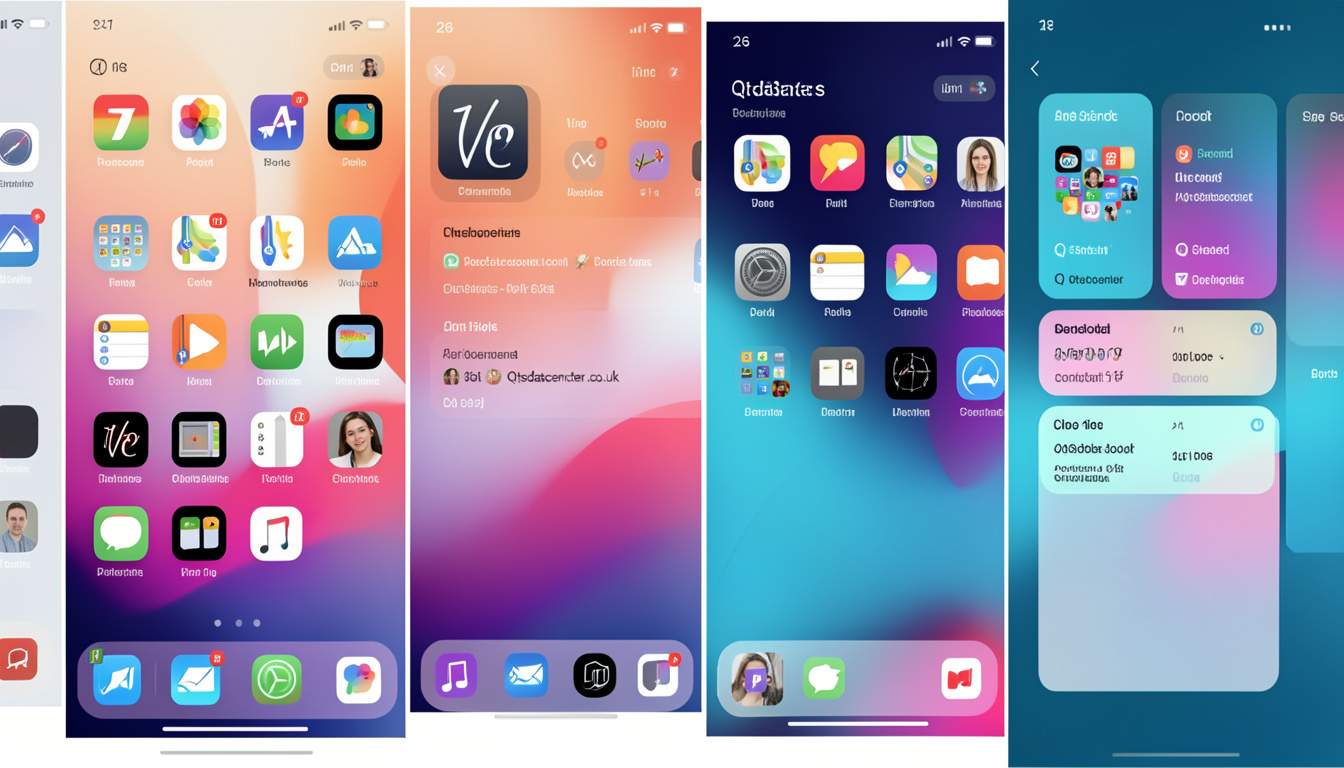
iOS 26 is Apple’s biggest visual overhaul since iOS 7. Announced at WWDC in June 2025, this update introduces a design philosophy called Liquid Glass. Think translucent panels, glowing edges, and an interface that feels more fluid and physical. It looks completely different from anything Apple has shipped before.
The name itself is a break from tradition. Apple moved away from numbered iOS versions tied to the calendar year and aligned the iOS name with the iPhone model lineup. This is how you end up with iOS 26 coming right after iOS 18. It is a bold branding decision, and it signals that Apple sees this release as a generational shift.
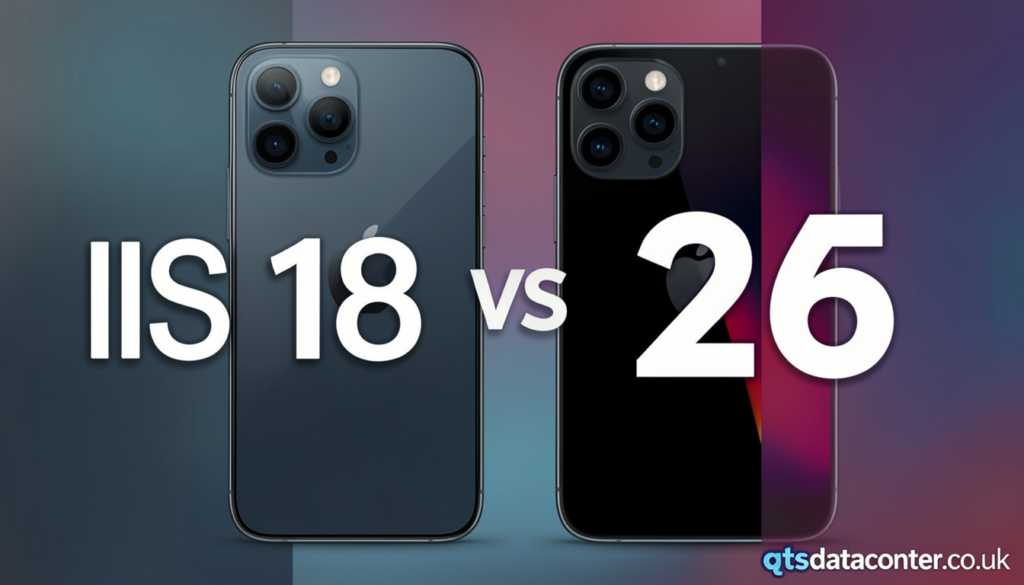
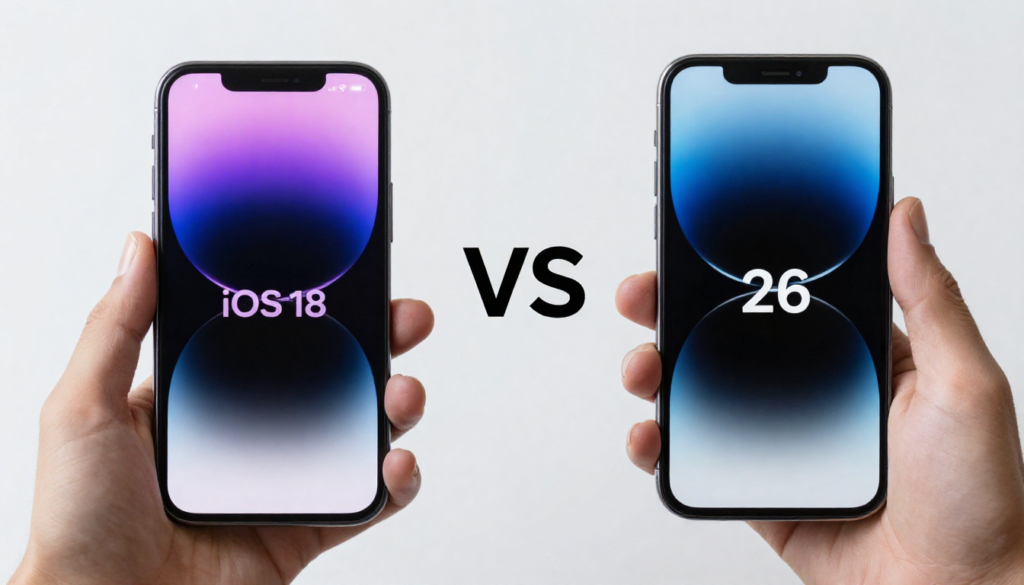
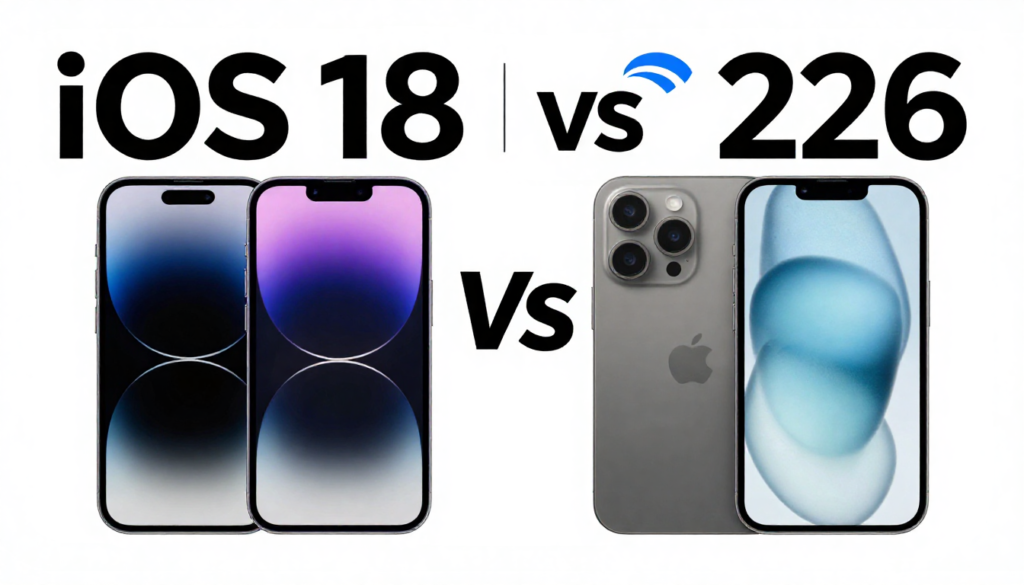
When you compare iOS 18 vs 26 side by side, the visual difference alone is striking. But the changes go much deeper than aesthetics.
What Makes Liquid Glass Different?
Liquid Glass is not just a color scheme or a new font. It is a rendering approach that uses real-time blur, refraction, and light effects to make UI elements feel like physical materials. Buttons appear to glow. Menus look frosted and layered. The whole interface feels more alive.
This required Apple to update almost every built-in app. The Phone app, Messages, Safari, Music, and even Settings all look noticeably different. If you pick up a phone running iOS 26 next to one running iOS 18, you will immediately see the gap.
iOS 18 vs 26: Design and Interface Comparison
Design is where iOS 18 vs 26 shows the most dramatic difference. iOS 18 refined the flat design that Apple has used since iOS 7. It added subtle depth, better dark mode refinements, and cleaner iconography. But it did not break the visual mold.
iOS 26 breaks it entirely. The home screen now features a dynamic wallpaper system that reacts to the time of day and the apps you use. Icons have a new layered depth effect. The Lock Screen has been rebuilt to support interactive widgets with smoother animations.
Quick Design Comparison Table
| Feature | iOS 18 | iOS 26 |
| Design Language | Refined flat | Liquid Glass |
| Home Screen | Free icon placement | Dynamic + layered icons |
| Lock Screen | Widget support | Interactive + animated |
| Control Center | Customizable panels | Fluid, context-aware |
| App Icons | Color tinting | Depth and glass effects |
| Dark Mode | Improved contrast | Adaptive with blur effects |
| System Fonts | SF Pro updated | Refined SF with fluid sizing |
Apple Intelligence: iOS 18 vs 26 AI Features
Artificial intelligence is at the center of both updates, but iOS 26 significantly expands what Apple Intelligence can do. In iOS 18, you got writing tools, notification priority, and summarization. Siri also got a smarter engine, though it remained inconsistent in real-world use.
In iOS 26, Siri becomes a fully context-aware assistant. It can now understand your screen content in any app. It can take actions across apps, like reading an email and creating a calendar event from it, without you asking step by step. Apple calls this personal context awareness, and it is a meaningful jump.
The on-device AI also improves significantly. Apple has upgraded the models running on-device, which means faster responses and better privacy. Image generation features expand, and the Photos app gains smarter search and memory creation tools.
AI Feature Breakdown
- iOS 18: Writing tools, summarization, priority notifications, early Siri upgrades
- iOS 26: Full on-screen context Siri, cross-app actions, expanded image generation
- iOS 26: Smarter Photos memory creation and intelligent search
- iOS 26: Live Translation in more apps including third-party apps
- iOS 26: AI-powered focus modes that learn from your habits
Performance and Battery Life in iOS 18 vs 26
Performance is always a concern with major iOS updates. Older iPhones often slow down after upgrades. When we look at iOS 18 vs 26, the picture is surprisingly nuanced.
iOS 18 was well-optimized for the iPhone 15 and iPhone 16 lineup. It also held up decently on older models back to the iPhone XS. Battery life improved for most users, with better background app management and smarter Wi-Fi and cellular switching.
iOS 26 is currently in beta as of mid-2025 and is only available for iPhone 16 and later, along with iPhone 15 Pro models for Apple Intelligence features. Early beta reports show smooth performance on the latest hardware, though some animation-heavy Liquid Glass elements caused heat spikes in early testing.
Apple has not yet published official battery benchmarks for iOS 26. Based on developer reports, battery life remains close to iOS 18 levels on iPhone 16 models, but this could change as the software matures before public release.
Messages, Phone, and Communication Changes
Communication apps saw meaningful changes in iOS 18. RCS finally arrived for iPhone users, making it possible to send high-quality media and get read receipts when messaging Android users. Messages also added text effects, reaction options, and scheduled sends.
iOS 26 pushes this further. The Phone app now shows AI-powered caller summaries during calls, so you see a brief note about who is calling and why if the caller leaves a voicemail or if Siri recognizes context. The new Live Voicemail feature, which started in iOS 17, gets a smarter transcription engine in iOS 26.
Messages in iOS 26 also introduces Smart Reply suggestions that are more contextually aware than before. The redesigned chat bubbles look sharper and feel more dynamic inside the Liquid Glass interface.
Photos, Camera, and Creative Features
The Photos app received a massive overhaul in iOS 18. Apple reorganized the library into collections, pinned favorites, and recent memories in a way that made it easier to find specific images. The editing tools also got cleaner layouts.
In iOS 26, Photos gains AI-generated albums and smarter memory videos. You can now search for photos using natural language. For example, you can type “beach trip with friends two summers ago” and your iPhone will find the relevant photos. This is powered entirely on-device for privacy.
Camera gets a Clean Up tool expansion in iOS 26, building on the feature iOS 18 introduced. You can now remove multiple objects from a photo at once, and the results look noticeably more realistic. Portrait mode also improves with better edge detection on hair and transparent objects like glasses.
Privacy and Security Improvements
Privacy has always been a core Apple value, and both iOS 18 and iOS 26 reflect that. iOS 18 introduced locked and hidden apps, a new Passwords app for managing credentials, and enhanced tracking permissions. You could also share your approximate location instead of your exact one in even more apps.
iOS 26 adds a new layer of protection called App Sandbox Plus. This restricts how much data an app can access even after you grant initial permissions. Apple also improves its Private Browsing in Safari with a new anti-fingerprinting engine that makes it harder for websites to track you across sessions.
On-device AI processing expands in iOS 26, which is actually a privacy win. More tasks that previously required cloud processing now happen entirely on your iPhone. Your data never leaves the device, even when you use AI features.
Which Devices Support iOS 18 vs 26?
Compatibility is a practical concern. iOS 18 supports the iPhone XS and newer. That means if you have a phone from 2018 or later, you could run iOS 18. The full Apple Intelligence features required an iPhone 15 Pro or iPhone 16 series.
iOS 26 narrows this down. Supported devices are the iPhone 16 series, iPhone 15 Pro, and iPhone 15 Pro Max. Older phones, including the standard iPhone 15 and iPhone 14 models, do not support iOS 26. This is a significant cut that will push some users to upgrade sooner than expected.
Supported Devices
- iOS 18: iPhone XS and later (including standard iPhone 14 and 15)
- iOS 26: iPhone 15 Pro, iPhone 15 Pro Max, all iPhone 16 models
- Full Apple Intelligence in iOS 26: iPhone 16 and newer only
Should You Upgrade? iOS 18 vs 26 Final Verdict
If you are on a compatible device and currently running iOS 17 or earlier, updating to iOS 18 right now makes a lot of sense. It is stable, well-supported, and brings real improvements to daily use. The home screen flexibility, Control Center changes, and Apple Intelligence features alone make it worthwhile.
If you have an iPhone 15 Pro or iPhone 16, you will want to watch iOS 26 closely. The Liquid Glass redesign and expanded AI capabilities are genuinely impressive based on what Apple showed at WWDC. That said, major visual overhauls like this often have early rough patches, so waiting for the first major point release (iOS 26.1) might be wise.
Here is my honest take: iOS 26 is the more exciting release of the two. But iOS 18 is the safer bet right now. If you want stability and solid AI features, stay on iOS 18 until iOS 26 matures. If you want to be on the cutting edge and do not mind occasional bugs, the iOS 26 public beta opens later this summer.
Conclusion
The iOS 18 vs 26 comparison tells a story of Apple’s ambition. iOS 18 was a confident, user-first update that gave you more control and smarter tools. iOS 26 is a bold reinvention of what iPhone software looks and feels like, backed by more powerful AI and a dramatically new visual identity.
Both updates matter. Both move the platform forward. The right choice depends on your device, your tolerance for change, and how much you care about being on the latest thing.
Which update excites you more? Are you ready to embrace Liquid Glass in iOS 26, or are you happy sticking with the polished experience iOS 18 already delivers? Drop your thoughts and share this article with your iPhone-loving friends. They will want to know about this too.
Frequently Asked Questions (FAQs)
1. What is the main difference between iOS 18 and iOS 26?
iOS 18 focused on home screen customization, Control Center redesign, and early Apple Intelligence features. iOS 26 introduces a completely new visual design called Liquid Glass, more powerful on-device AI, deeper Siri capabilities, and a narrower device compatibility list.
2. Is iOS 26 available to download right now?
As of mid-2025, iOS 26 is in developer beta. The public beta is expected to open in July 2025, with the full release arriving in September 2025.
3. Does iOS 26 support iPhone 14?
No. iOS 26 supports the iPhone 15 Pro, iPhone 15 Pro Max, and all iPhone 16 models. Standard iPhone 14 and iPhone 15 models are not supported.
4. Will iOS 26 slow down my iPhone?
Early beta testing on supported devices shows performance is similar to iOS 18. However, Liquid Glass animations can increase GPU load, so older supported models may see minor heat increases initially.
5. What is Liquid Glass in iOS 26?
Liquid Glass is Apple’s new design language introduced with iOS 26. It uses real-time blur, refraction, and light rendering to make UI elements look translucent and fluid, creating a more physical and dynamic interface.
6. Do I need to update to iOS 26 for Apple Intelligence?
No. Apple Intelligence is available on iOS 18 for iPhone 15 Pro and iPhone 16 models. iOS 26 expands these AI features significantly, but you do not need iOS 26 to access the basics.
7. Can I downgrade from iOS 26 back to iOS 18?
During the beta period, Apple usually allows downgrades for a limited time. Once the final version releases, downgrading becomes very difficult and is generally not recommended.
8. How does Siri change in iOS 26 compared to iOS 18?
In iOS 18, Siri received a smarter engine with more natural language understanding. In iOS 26, Siri can read your screen in any app, take cross-app actions, and respond with much more personal context awareness.
9. Is iOS 18 still worth updating to in 2025?
Absolutely. If you have a compatible iPhone, iOS 18 brings meaningful improvements to privacy, communication, and daily usability. It remains a very strong update even with iOS 26 on the horizon.
10. When will iOS 26 be officially released?
Based on Apple’s typical release schedule, iOS 26 is expected to launch in September 2025 alongside the new iPhone 17 lineup.
Also Read In qtsdatacenter.co.uk
Email: johanharwen314@gmail.com
Author name: Hamid Ali
About the Author: Hamid Ali is a tech writer and Apple enthusiast with over eight years of experience covering iOS, macOS, and consumer technology. He has followed every major Apple software release since iOS 9 and specializes in breaking down complex updates into clear, useful insights for everyday iPhone users. When he is not writing about Apple, Hamid enjoys mobile photography, testing the latest apps, and helping readers get the most out of their devices. You can follow his work across major tech publications and his own newsletter dedicated to Apple ecosystem news.